Take a TourHere is a glimpse of CHALMIT’s solutions for the different Markets. Try out some Chalmit Solutions.
Take a Tour of the Markets We ServeA quick look through the various markets we are equipped to cater to. See the Chalmit Markets.
Take a TourTry out some Chalmit Resources.
Transcript
00:08A flat ceiling is located on to a room by default.
00:12However, it is possible to adjust this to a pitched type ceiling.
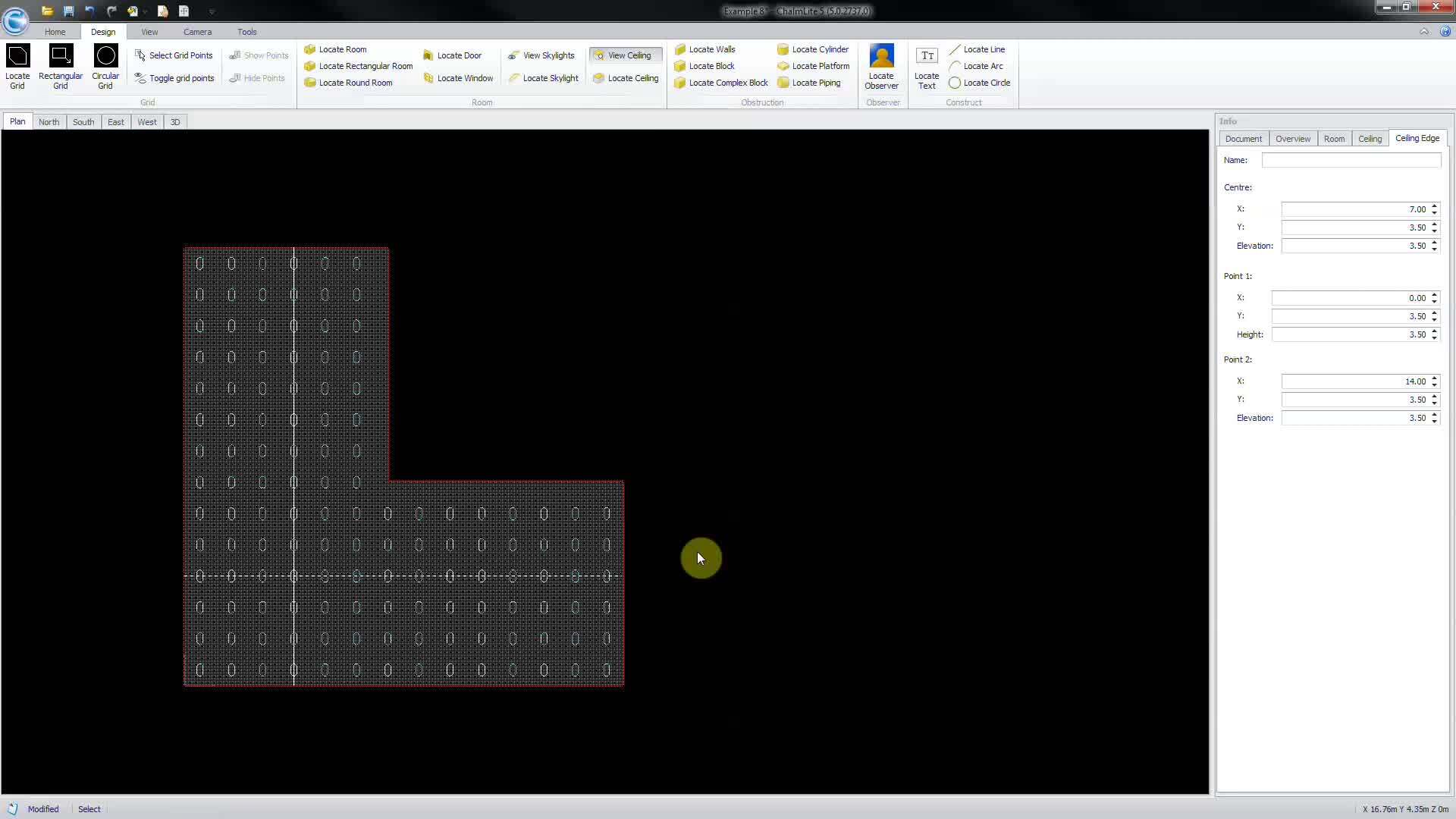
00:20Select view ceiling from the room section of the design ribbon highlight the ceiling by
00:27clicking on it and the ceiling info panel will appear on the right select
00:34locate ceiling, then click on the room walls to define the start and finish line of the apex
00:41of the ceiling. Multiple apexes can be defined then right click
00:47to finish edit by highlighting the apex line, then grab and move the
00:53line ends to the desired positions.
01:06Adjust the apex elevation from the ceiling edge in full panel,
01:17click edges and then build ceiling to complete.