Take a TourHere is a glimpse of CHALMIT’s solutions for the different Markets. Try out some Chalmit Solutions.
Take a Tour of the Markets We ServeA quick look through the various markets we are equipped to cater to. See the Chalmit Markets.
Take a TourTry out some Chalmit Resources.
Transcript
00:03Photometric data for third party luminaries can be easily imported into the software under the
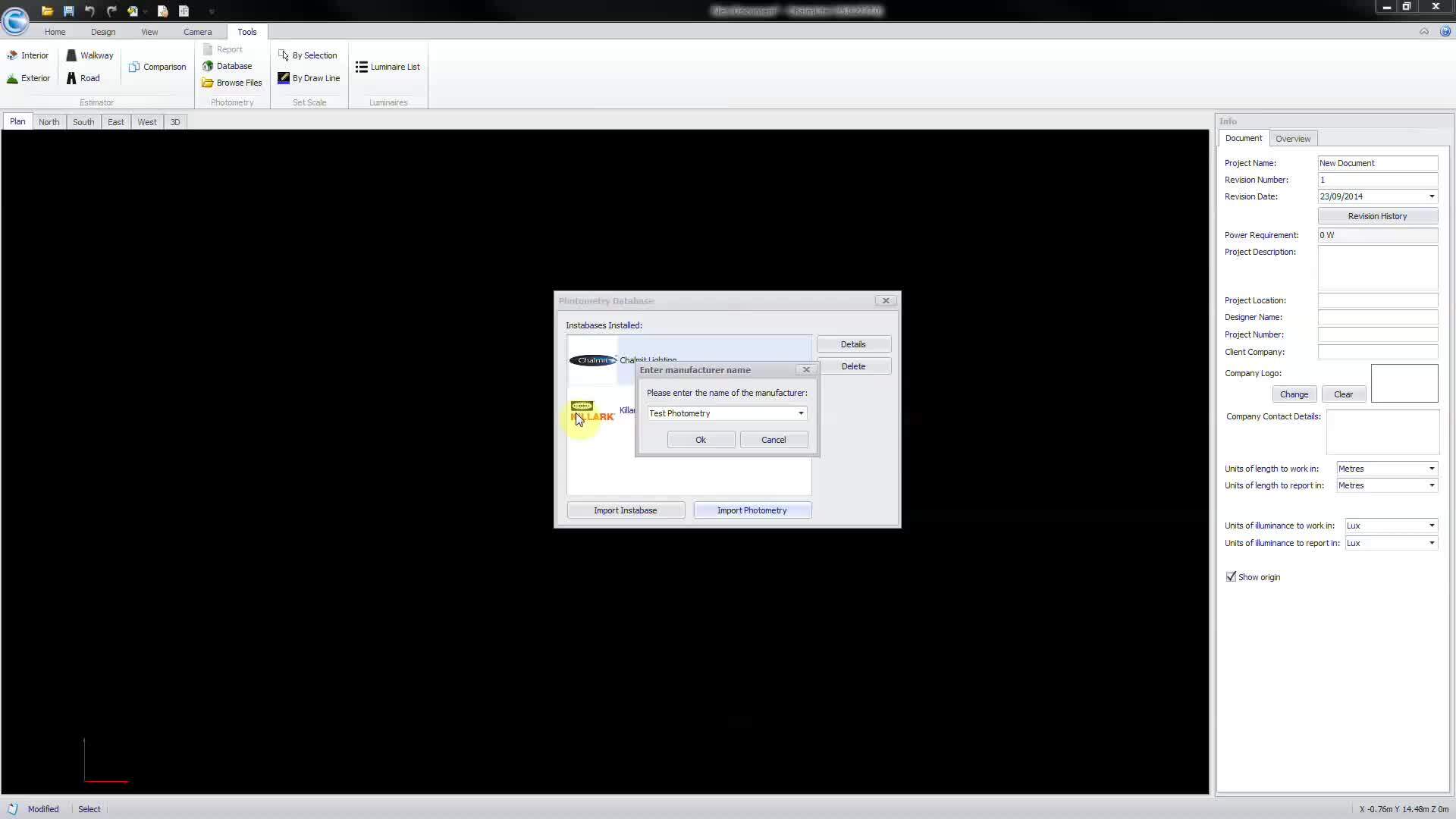
00:10tools, ribbon select database to open the photometry database window,
00:15then import photometry, navigate to the desired photometric file and open.
00:22Please note that both IES and LDT formats are supported at
00:29import. You are required to select or enter the
00:32manufacturer, then pick a
00:38basic icon style for the luminaire file.
00:43Note that this can also be amended within the program at a later date.
00:48Third party photometry is retained under a miscellaneous insta base and is now available
00:53for selection from the define luminaire set window.