Take a TourHere is a glimpse of CHALMIT’s solutions for the different Markets. Try out some Chalmit Solutions.
Take a Tour of the Markets We ServeA quick look through the various markets we are equipped to cater to. See the Chalmit Markets.
Take a TourTry out some Chalmit Resources.
Transcript
00:03Lummis located in a design can be individually or globally replaced to replace a single
00:10luminaire. With another you first need to ensure that both
00:13types have been defined in the lumina set window.
00:18Click to highlight the luminaire you wish to replace so that the luminaire info panel
00:22appears on the right.
00:25Select the description, drop down box and pick the required predefined luminaire
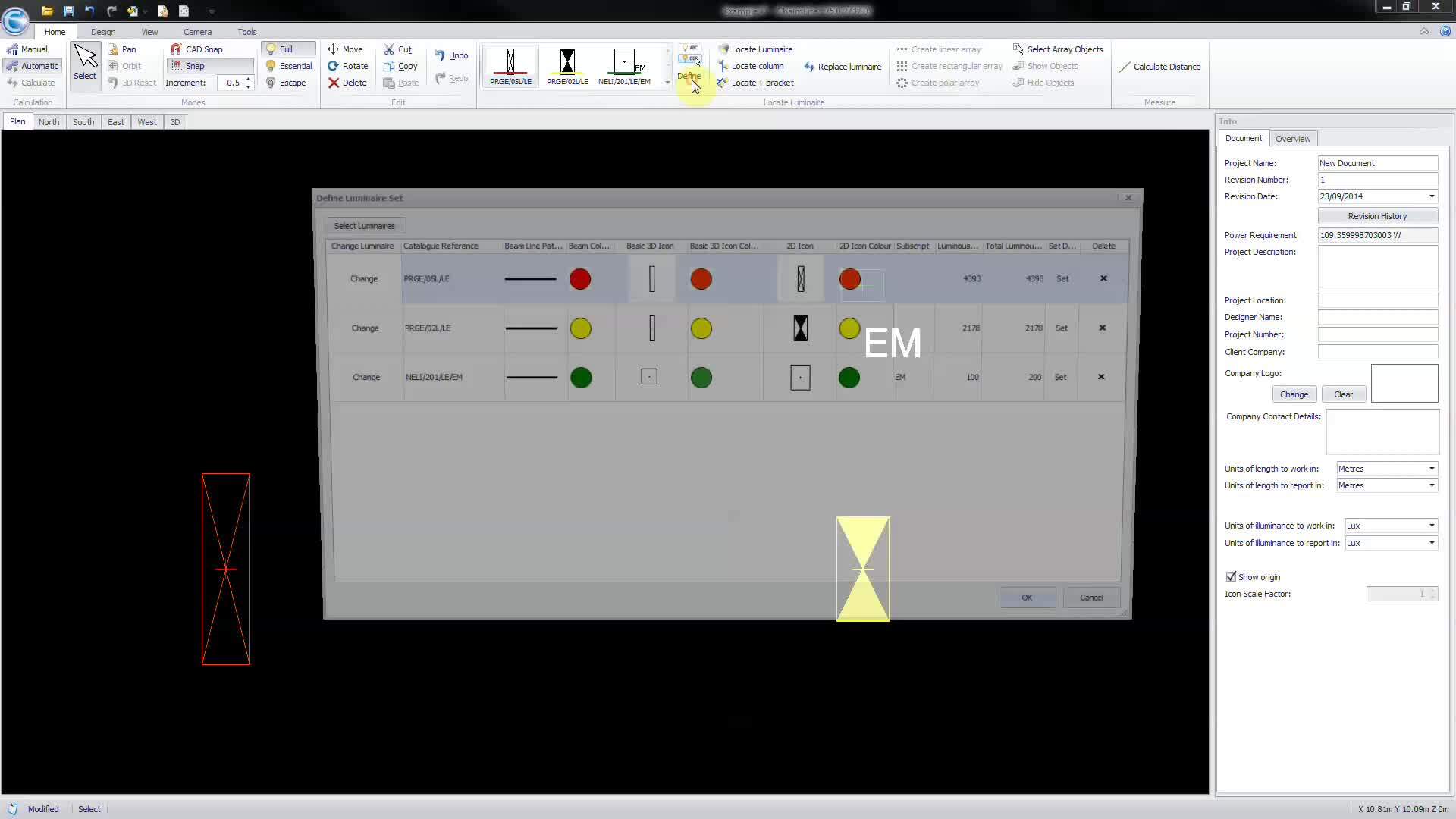
00:40to globally change luminaries of the same type you can do so from the defined luminary set
00:45window. Select change next to the luminaire that you
00:50wish to amend from the luminaire selection window.
00:56Pick the required luminaire then OK, to confirm,
01:06it is also possible to replace multiple individual luminar from a single command as
01:11long as they have been previously defined from the luminaire set window,
01:16click the replace luminary button, then select the replacement in the defined luminaire set
01:22window. Individually pick luminar in the design space
01:27to change them to the new type.