Transcript
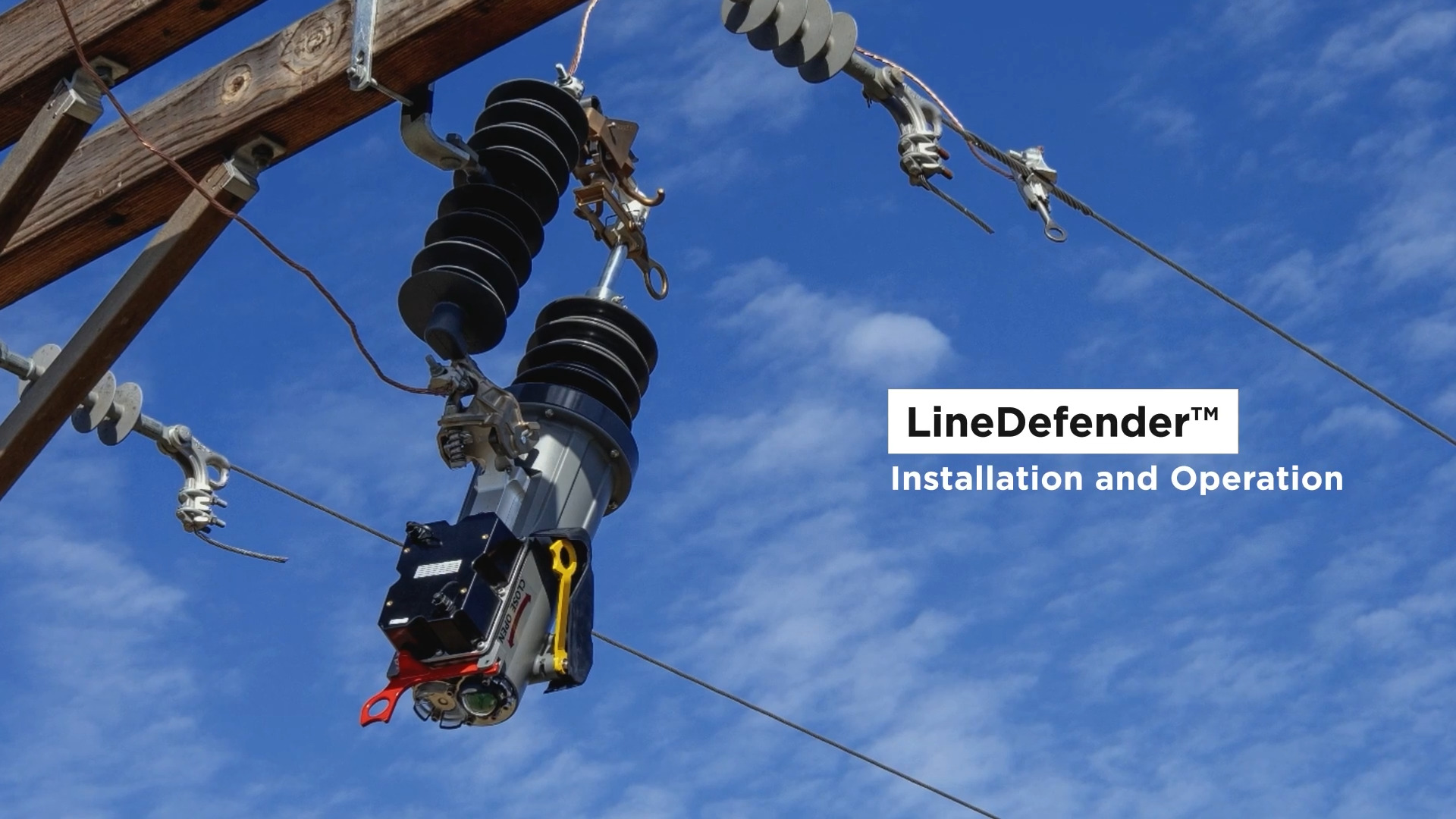
00:04In this video, we'll demonstrate how to install and operate the Hubble line defender.
00:09Installation. One important note to start the line defender
00:14must be installed with a Hubble power fuse. Cut out,
00:17prepare the mount by hanging the power fuse cut out on a single point bracket like the Nema B
00:22bracket. After hanging the cut out attach the electrical
00:26leads to both terminals of the power fuse. Cut out for safety handle,
00:31the reclosing carefully while hanging it and use the appropriate personal protective
00:35equipment. Use the semaphore on the reclosing to verify
00:39the bottle position status prior to placing the device into the power fuse cut out.
00:43Confirm the Sapho is green indicating the vacuum bottle is in the open position before
00:49installation place the line defender into the power fuse cut out by gliding Tron to the
00:55angled hinge on the cut out securely latch the line defender by swinging the reclosing using a
01:00hot stick until the device is securely latched in place.
01:04The user should hear an audible click. Verify the device has securely latched to the
01:10mount note, the latch is designed to keep the rec closure safely secured in the power fuse
01:16cut out during standard line vibration and reclosing operation manually,
01:20close the line defender contacts to finish commissioning the rec closure.
01:27Push the yellow handle up to close the vacuum bottle.
01:30You'll see the Sapho change from green to red. Confirming the device is closed operation
01:37manual, open and closing to open. Verify the unit is in the closed position.
01:44The Sapho will be red, manipulate the yellow operation handle down to open the device.
01:50Verify that the Sapho has turned green indicating the open state to
01:56close, verify the unit is in the open position. The Sapho will be green,
02:02manipulate the yellow operation handle down and push up to close the device.
02:07Verify that the Sapho has turned red indicating the closed state red handle operation
02:14to place the device into a one shot mode. For example,
02:18instantaneous or non reclosed mode, pull the red handle down via hook stick.
02:23The beacon will flash to indicate the device has been placed in a one shot mode fault
02:29restoration upon lockout. After a permanent fault,
02:33the user will find the beacon flashing and the Sapho green indicating the vacuum bottle is
02:39open once the downstream fault has been repaired.
02:43Verify the bottle position status via the Sapho position.
02:47Pull the yellow manual operating handle down, then push up to close the device if desired.
02:54A physical break can be accomplished during downstream work by pulling the hook stick ring
02:59downward to disengage the reclosing from the power fuse cut out opening the reclosed to
03:04approximately 45 degrees. Creating a physical break,
03:08local coms to enable local communications, pull the red handle down to power on the Wi Fi or
03:15Bluetooth communications.
03:17Firmware upgrades over the year. Firmware upgrades can be accomplished by
03:23connecting the magnetic power module via hooks stick.
03:27Once connected, a user would connect to the device locally via ipad or laptop to complete
03:33the firmware upgrade.
03:34Look to Hubble for this and other high quality products.
03:38We've been your source for electrical solutions for over 100 years.

Installation: LineDefender™ Single Phase Recloser
A video guide of how to properly install the LineDefender Single Phase Recloser.
- linedefender
- compact
- single phase
- outage
- prevention
- utility automation
- ua
- feature
- youtube