Take a TourBenefits are derived from well implemented Solutions. The challenge to save energy, improve safety or make sure everything continues to perform in a harsh environment, are all candidates for good solutions.
Take a Tour of the Markets We ServeHubbell serves the needs of customers in a variety of market applications. See our major markets and building types below.
Transcript
00:04Grouping products together in the I devices connected app allows you to create scenes on I
00:11OS devices. Scenes are an easy and convenient way to
00:15control home kit products together. You can ask Siri to play the scene or if you
00:20have an Apple home hub, you can set up a schedule for your scene which will play even
00:24when you're not on the Wi Fi network.
00:27A home hub can be an Apple TV, four K apple TV, fourth generation home pod or ipad
00:34running I OS 10 and later from the home dashboard,
00:40tap scenes on the bottom of the screen.
00:43If this is your first scene, tap, create a scene in the center of the screen.
00:48Otherwise tap the plus icon in the upper right hand corner,
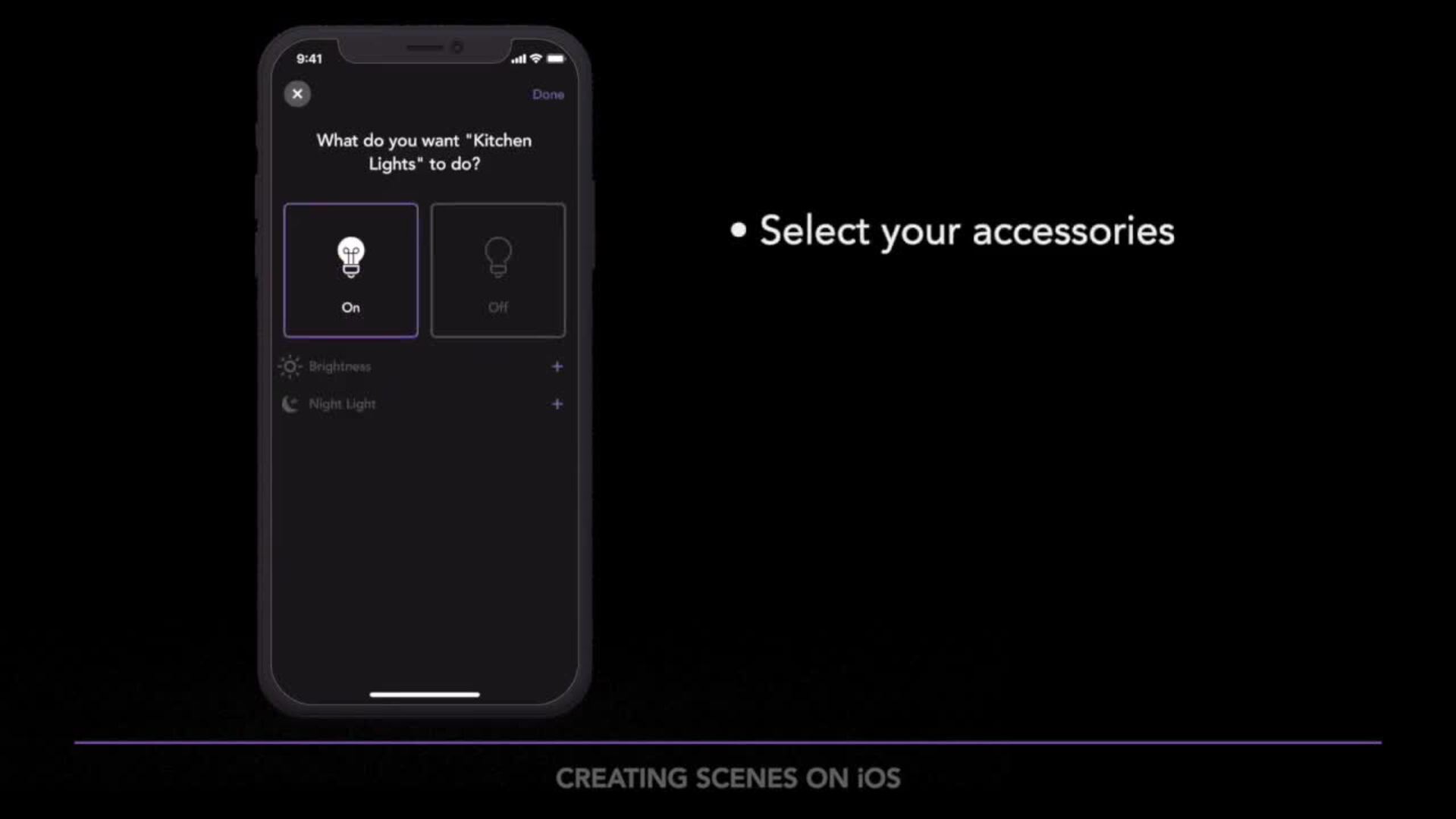
00:52select the home kit accessories you want to include in your scene,
00:56then choose the actions you wish your products to perform when that scene is played.
01:14When you're done choosing accessories, tap next and then enter a scene,
01:19name,
01:27review your scene and hit done. If everything looks good,
01:34you can now tell Siri to play your morning scene or through the app,
01:38just tap on the play button under the scenes menu.
01:44If you want to learn more about I devices products or need additional help.
01:48Head over to I devices. Inc.com/support.